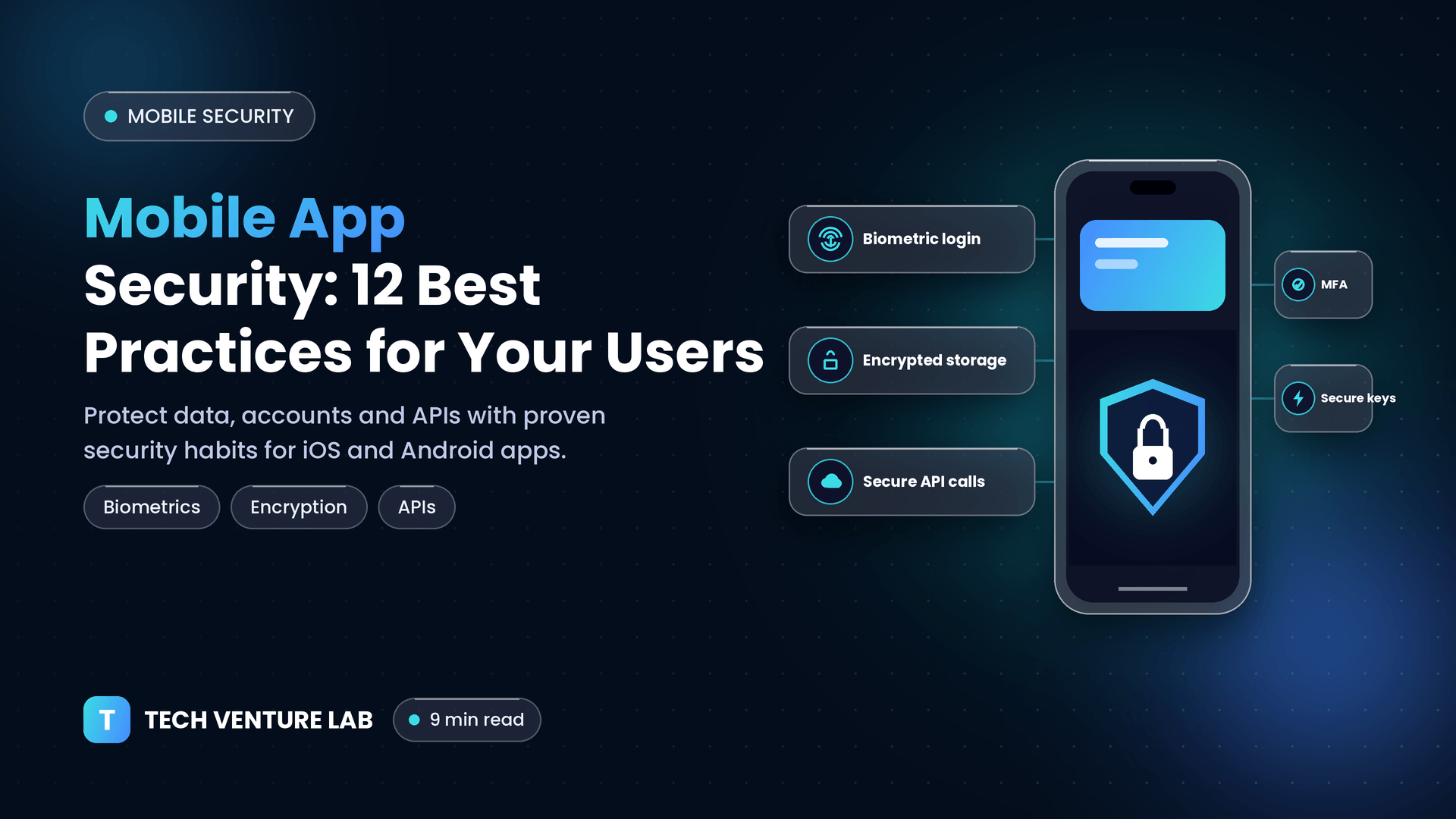
Mobile App Security: 12 Best Practices to Protect Your Users
·9 min read·Tech Venture Lab
Mobile apps hold some of the most personal data people have: identity details, payment information, health records, location history and private messages. They also run on devices that users carry everywhere, connect to untrusted Wi-Fi networks and may be lost, shared or even modified by their owners.
That is why mobile security is different from web security. You do not fully control the environment where your app runs. This guide explains the main risks and the 12 best practices that help protect your users and your business.
Why Mobile Apps Face Unique Security Challenges
The app lives on the user's device. Attackers can download it, analyze it and try to reverse-engineer or tamper with it.
Devices can be compromised. Rooted or jailbroken devices, malware and outdated operating systems weaken built-in protections.
Networks are untrusted. Public Wi-Fi and hostile networks create risks of interception.
Local data can be exposed. Data stored on the device may be accessible if the phone is lost or compromised.
Third-party code adds risk. SDKs and libraries may contain vulnerabilities or collect more data than expected.
App stores are not a guarantee. Review processes help, but they do not replace secure development.
Common Mobile Security Risks
The OWASP Mobile Top 10 and the OWASP MASVS (Mobile Application Security Verification Standard) are widely used references. Typical risk areas include:
Improper or weak authentication and authorization
Insecure data storage
Insecure communication
Insufficient cryptography
Insecure use of platform features and permissions
Poor handling of third-party libraries and supply chain risks
Weak code protection, allowing reverse engineering and tampering
Insufficient input validation and security misconfiguration
Inadequate privacy controls
Using these frameworks as a checklist gives your team a shared language and a tested baseline.
12 Mobile App Security Best Practices
1. Threat model before you build
Start by asking: What data do we handle? Who might attack it? How? Identify the assets that matter most, such as credentials, tokens, personal data and payments, and design protections accordingly. Security decisions are cheaper at design time than after launch.
2. Never trust the client; enforce security on the server
Anything that runs in the app can potentially be inspected or modified. Keep critical business rules, authorization checks, pricing and validation on the server. Treat the app as an untrusted client.
3. Use strong authentication and secure sessions
Support multi-factor authentication (MFA), especially for sensitive actions.
Offer biometric authentication (fingerprint or face) using the platform's secure APIs, with a safe fallback.
Use short-lived access tokens with secure refresh mechanisms, and allow tokens to be revoked.
Protect against brute-force attempts with rate limiting and lockouts on the server.
Require re-authentication for high-risk actions such as changing credentials or authorizing payments.
4. Store data securely on the device
Collect and store as little data as possible. Data you do not keep cannot be stolen.
Never store passwords, tokens or secrets in plain text, shared preferences or ordinary files.
Use the platform's secure storage: the iOS Keychain and the Android Keystore with encrypted storage.
Encrypt sensitive local databases and files.
Avoid leaking data through logs, screenshots, clipboard, backups and notifications.
Clear sensitive data when users log out.
5. Protect data in transit
Use TLS (HTTPS) for all network communication.
Enforce modern protocol versions and strong cipher suites.
Consider certificate pinning for high-risk apps, with a careful rotation plan so that certificate changes do not break the app.
Never disable certificate validation, even for testing builds that might reach production.
6. Use cryptography correctly
Use well-established platform and library implementations. Never invent your own encryption.
Choose modern algorithms and appropriate key sizes.
Generate keys securely and never hard-code them in the app.
Use secure random number generators.
7. Never hard-code secrets
API keys, tokens, private keys and credentials embedded in the app can be extracted by anyone who analyzes it. Keep sensitive secrets on the server, use short-lived credentials and restrict the permissions of any keys that must be present in the client.
8. Secure your APIs and back end
A secure app with an insecure back end is still insecure. Apply strong authentication and authorization on every endpoint, validate all input, rate-limit requests, return only necessary data and monitor for abuse. Follow API security and web application security best practices on the server side.
9. Validate input and handle data safely
Sanitize and validate data from all sources, including user input, deep links, inter-app communication, files and network responses. Handle errors gracefully without exposing technical details.
10. Minimize permissions and respect privacy
Request only the permissions you truly need, at the moment they are needed, with clear explanations.
Be transparent about data collection and comply with privacy regulations that apply to your users.
Review the data collected by third-party SDKs for analytics, advertising and crash reporting.
11. Protect your code and detect tampering
Enable code obfuscation and minification to make reverse engineering harder.
Remove debug code, test endpoints and verbose logging from production builds.
Consider runtime protections, such as detecting rooted or jailbroken devices, debuggers, emulators and tampered app binaries, and responding appropriately based on your risk level.
Use the platform's integrity and attestation services where suitable.
Remember that client-side protections slow attackers down but cannot stop determined ones. They are one layer of defense, not the only one.
12. Test continuously and keep everything updated
Run static analysis (SAST) and dynamic analysis (DAST) in your CI/CD pipeline.
Scan dependencies and SDKs for known vulnerabilities and update them regularly.
Perform penetration testing before major releases, using the OWASP MASVS as a guide.
Establish a process to receive vulnerability reports and release patches quickly.
Support recent operating system versions and encourage users to update.
Mobile App Security Checklist
[ ] Threat model completed for sensitive features
[ ] Authorization enforced on the server
[ ] MFA and biometric options where appropriate
[ ] Secrets and tokens stored in Keychain/Keystore, never in plain text
[ ] Sensitive data encrypted at rest and removed on logout
[ ] Minimal permissions and clear privacy disclosures
[ ] Third-party SDKs reviewed and updated
[ ] Obfuscation and debug code removal for release builds
[ ] Automated security testing in CI/CD
[ ] Penetration test before launch and after major changes
[ ] Incident response and patch process defined
Security for Different App Types
Fintech and payment apps. Require the strongest controls: MFA, transaction signing, device binding, fraud monitoring and compliance with financial regulations and payment standards.
Healthcare apps. Handle sensitive health data with strict access control, encryption, audit logs and compliance with applicable health-privacy rules.
E-commerce apps. Protect accounts, saved payment methods and order data, and use trusted payment providers so card details are handled by certified systems.
Enterprise and internal apps. Consider device management, single sign-on, remote wipe and data-loss prevention controls.
Social and messaging apps. Focus on privacy, secure messaging, abuse prevention and careful handling of contacts and media.
Common Mobile Security Mistakes
Putting business logic and security checks only in the app
Storing tokens and personal data in unprotected storage
Leaving API keys in the code
Ignoring third-party SDK risks
Shipping debug builds, logs or test endpoints
Skipping security testing because of tight deadlines
Neglecting updates, so known vulnerabilities remain exploitable
Collecting more data than necessary
Build Secure Mobile Apps With Tech Venture Lab
At Tech Venture Lab, security is part of our mobile development process from design through release and maintenance. We build iOS, Android and cross-platform apps with secure architecture, protected APIs, automated security testing and ongoing support, so your users can trust your product.
Building or reviewing a mobile app?Contact us to discuss a security-focused approach.
Frequently Asked Questions
Conclusion
Mobile app security is about protecting users on devices and networks you do not control. Threat model early, keep trust on the server, store and transmit data securely, minimize what you collect, test continuously and update quickly. Do this consistently, and security becomes a strength that builds long-term user trust.
 Tech Venture Lab