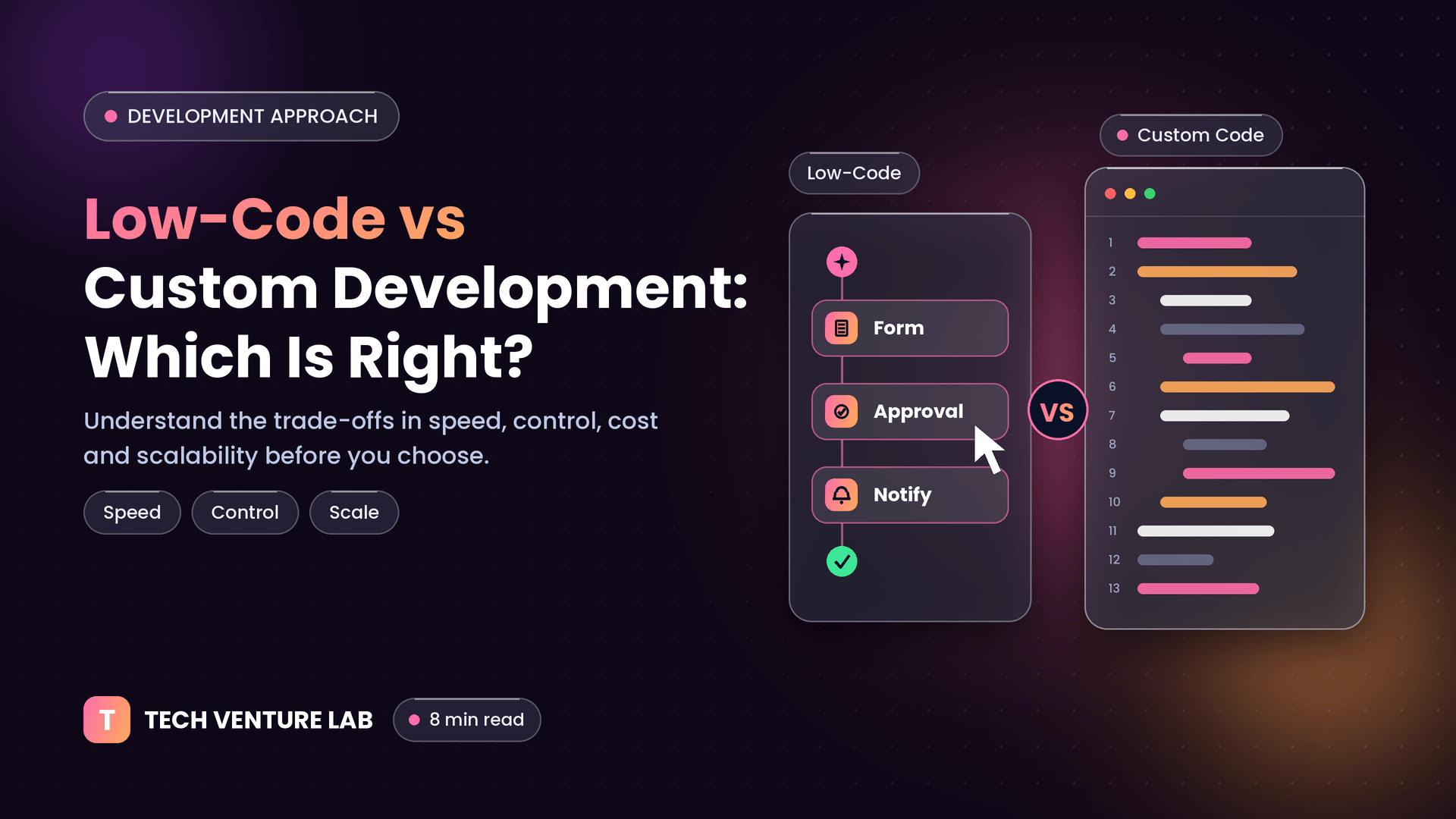
Low-Code vs Custom Development: Which Approach Is Right for You?
·8 min read·Tech Venture Lab
Building software used to mean one path: hire developers and write code. Today there is a second option. Low-code and no-code platforms let teams assemble applications using visual tools, templates and drag-and-drop components, often much faster than traditional development.
So when should you use them, and when does custom development still make more sense? This guide gives you a balanced, practical answer.
Definitions: Low-Code, No-Code and Custom Code
No-code platforms let non-technical users build apps and automations entirely through visual interfaces, with no programming required. They are best for simple, well-defined needs.
Low-code platforms also use visual builders but allow developers to add custom code, scripts and integrations where needed. They offer more flexibility than pure no-code.
Custom development means engineers design and write the software from the ground up (or with frameworks and libraries), giving full control over architecture, features, performance and user experience.
What Low-Code Does Well
Speed to first version: prototypes and internal tools can be assembled in days or weeks.
Lower initial cost: fewer development hours for standard workflows.
Empowers business teams: operations, HR or finance staff can build simple tools without waiting for a development queue.
Built-in components: authentication, forms, workflows, dashboards and integrations are often ready to use.
Good for validating ideas: you can test a concept with users before investing heavily.
Typical Low-Code Use Cases
Internal tools such as approval workflows, request forms and simple dashboards
Process automation connecting existing business apps
Basic customer or partner portals
Prototypes and proof-of-concepts
Departmental apps replacing spreadsheets and email chains
Limitations of Low-Code and No-Code
Platform constraints: you work within what the platform supports. Unusual requirements can become difficult or impossible.
Vendor lock-in: your app typically lives on the platform. Moving away can mean rebuilding from scratch.
Costs can grow: licensing is often based on users, usage or features, and may become expensive at scale.
Performance and scalability limits: complex logic, large data volumes or high traffic may exceed what the platform handles well.
Limited control over security and architecture: you rely on the vendor's practices and may have less flexibility for strict compliance needs.
Customization ceiling for user experience: highly branded, unique or complex interfaces can be hard to achieve.
Governance challenges: when many people build apps independently, "shadow IT" can create duplicated data, inconsistent processes and security risks.
What Custom Development Does Well
Full flexibility: any feature, workflow or integration can be built.
Scalability by design: architecture can be planned for your expected growth.
Performance control: optimize for your specific workloads.
Unique user experience: design exactly the product you envision.
Security and compliance control: choose your infrastructure, encryption, access model and audit approach.
Ownership: you own the code and can host and evolve it as you wish.
Competitive differentiation: build capabilities competitors cannot simply copy with the same platform.
Limitations of Custom Development
Higher upfront investment in time and budget
Longer path to the first release than a simple low-code app
Requires skilled teams for design, engineering, testing and maintenance
Ongoing responsibility for hosting, updates and security
Customer-facing products that define your business usually deserve custom development. Internal helpers often suit low-code.
How complex is the logic?
Simple forms and approvals suit low-code. Complex rules, algorithms or real-time processing favour custom.
How many users and how much data are expected?
High scale or heavy data often exposes platform limits.
What are your security and compliance requirements?
Strict regulations or sensitive data may require more control than a platform allows.
How unique must the user experience be?
Branded, differentiated interfaces are easier to achieve with custom code.
What is the time and budget pressure?
If you need something working in weeks with a small budget, low-code may be the right first step.
What is the long-term plan?
If the product will grow into a major platform, consider the cost of migrating later.
The Hybrid Approach: Use Both Wisely
Many organizations combine approaches:
Prototype with low-code, then rebuild in custom code once the idea is validated and requirements are clear
Use low-code for internal workflows and custom software for customer-facing and core systems
Extend low-code platforms with custom components or APIs where needed
Connect everything through APIs, so tools can be replaced or upgraded later
A good rule: use low-code to move fast on commodity needs, and invest in custom development where it creates lasting advantage.
Questions to Ask Before Choosing a Low-Code Platform
Can we export our data and logic if we leave?
How does pricing change as users and usage grow?
What security certifications and controls does the vendor provide?
How well does it integrate with our existing systems?
What are the performance and scalability limits?
Can developers extend it with custom code?
How are versioning, testing and governance handled?
Common Mistakes to Avoid
Choosing a platform before defining requirements
Expecting a no-code tool to handle a complex core product
Ignoring total cost over three to five years
Letting uncontrolled "shadow apps" spread without IT oversight or data governance
Rebuilding too early or too late. Plan the transition point if you begin with low-code.
Underestimating maintenance. Low-code apps still need ownership, testing and updates.
Choosing the Right Path With Tech Venture Lab
At Tech Venture Lab, we give honest advice on the approach that fits your situation. Sometimes that is a fast, lightweight solution to validate an idea; often, for core products, it is a custom-built, scalable platform. We build modern web and mobile applications, SaaS platforms and intelligent automation systems designed around your goals.
Not sure which approach to take?Book a free consultation and we will help you compare the options.
Frequently Asked Questions
Conclusion
Low-code and custom development are not rivals; they are tools for different jobs. Use low-code for speed, experiments and internal workflows. Choose custom development when control, scalability, security and differentiation matter most. Define your requirements honestly, think about the long term, and choose the approach that serves your business best.
 Tech Venture Lab